


Description
Download iHeartRadio Family – kids radio, family-friendly, educational music, safe listening, children's content, radio stations for kids, fun and educational, children's entertainment, music for kids, entertaining app
Overview
The iHeartRadio Family app is designed as a dedicated platform for children’s entertainment, focusing on safe, engaging, and educational audio content. Built with families in mind, the app offers curated radio stations tailored to young audiences, combining music from popular artists with interactive and learning-based programming. It serves as a reliable tool for parents seeking age-appropriate content that is both entertaining and enriching. The app supports a variety of listening scenarios, including car rides, quiet time, bedtime routines, and home-based activities. With stations featuring beloved characters from PBS, Nickelodeon, and Disney—such as Elmo, Austin & Ally, and Dora the Explorer—the app creates a familiar and comforting experience for children. The developer, iHeartRadio, is known for its extensive radio network and digital audio services, lending credibility to the app’s content curation. While the app does not specify advanced parental controls or usage tracking, its core function remains centered on delivering a secure environment free from adult-oriented material. The focus on educational sing-alongs and factual content helps support cognitive development, language skills, and emotional engagement through music. This makes it particularly useful for caregivers looking to balance screen-free entertainment with learning opportunities.
Key Features & Capabilities
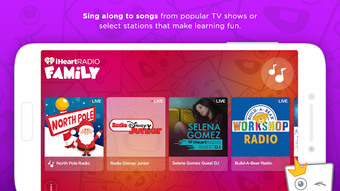
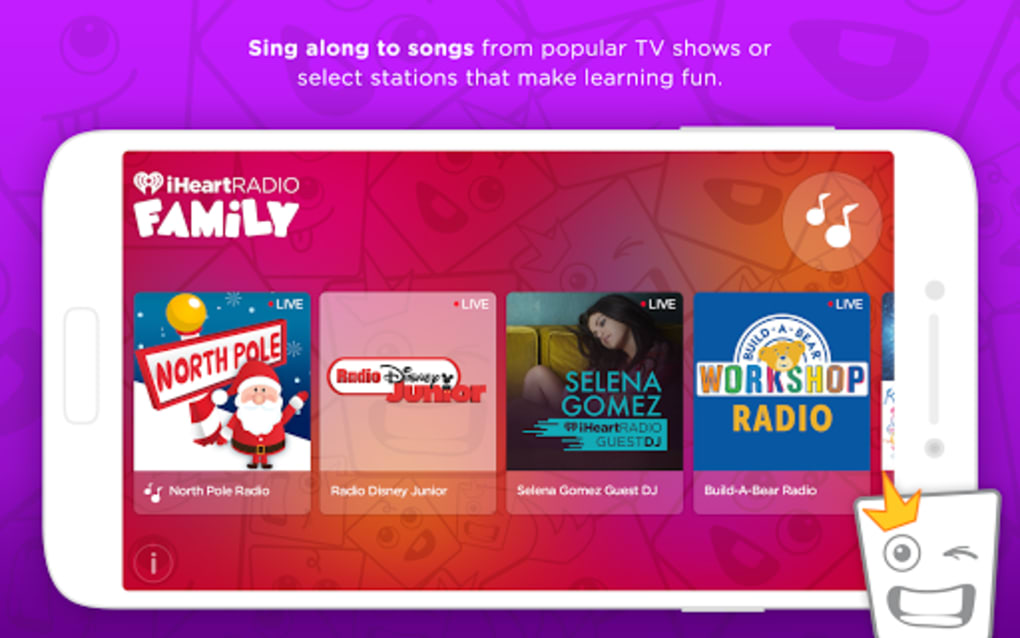
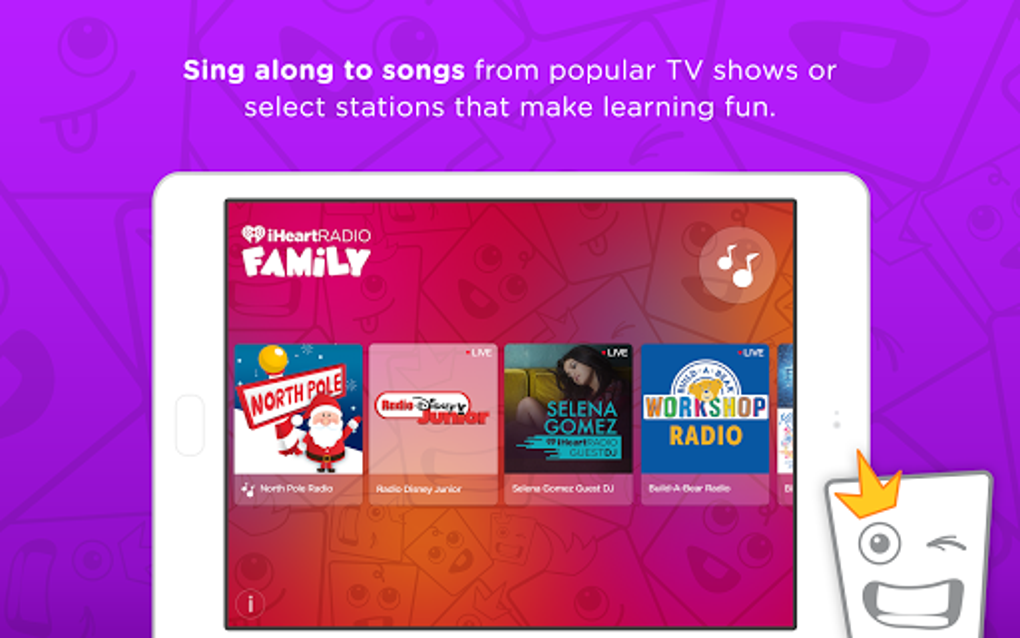
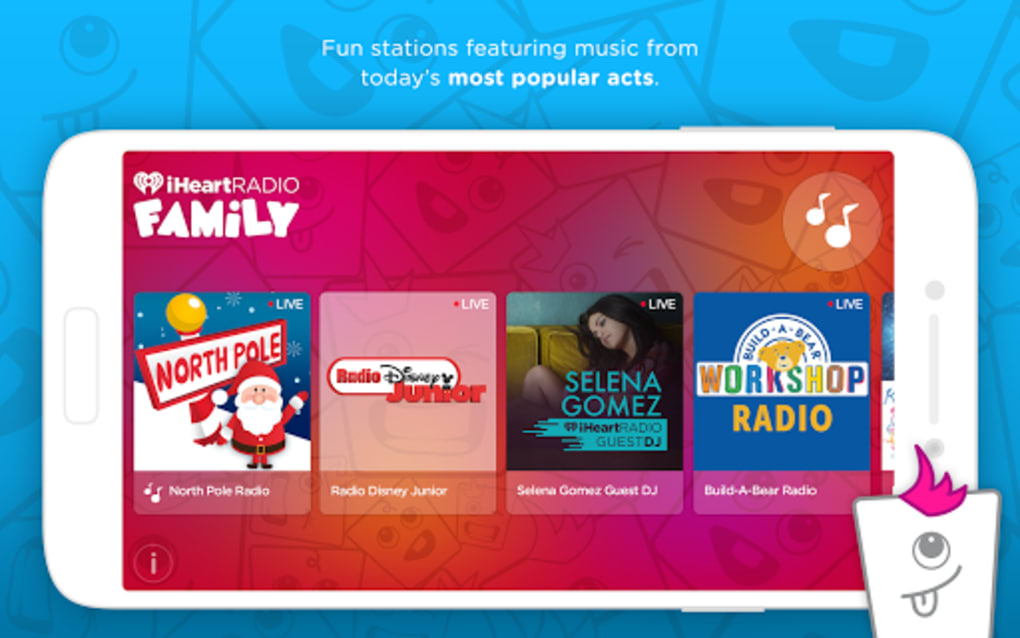
- Curated Children’s Radio Stations: The app provides access to a selection of stations specifically designed for young listeners, including themed channels like North Pole Radio and Radio Disney Jr., offering seasonal and age-appropriate content.
- Family-Friendly Music Selection: Features music from well-known artists such as Justin Bieber, Sam Hunt, Selena Gomez, and Taylor Swift, adapted for younger audiences with safe, edited versions.
- Character-Based Programming: Integrates popular children’s characters from major networks, enabling interactive experiences through storytelling, songs, and educational facts.
- Simple, Intuitive Interface: Designed with young users in mind, the app uses large buttons, clear icons, and minimal navigation steps to allow easy access to content without assistance.
- Safe Listening Environment: All content is vetted to ensure it is free from inappropriate language, themes, or advertising, making it suitable for unsupervised use by children.
These features enable parents to quickly find content that aligns with their child’s interests and developmental stage. For example, a parent can select a station featuring Elmo to encourage language development, or choose a calming station before bedtime to help with relaxation. The ability to switch between stations without complex menus enhances usability during travel or transitions between activities. The integration of educational elements within music helps reinforce learning through repetition and engagement, turning passive listening into an active experience.
User Interface, Workflow & Performance
The user interface of iHeartRadio Family emphasizes simplicity and accessibility, with a layout optimized for younger users. Navigation is streamlined, relying on large, clearly labeled buttons and visual cues to guide children through station selection. The workflow is designed to minimize friction—users can start listening with a single tap, and station changes are executed instantly. While specific performance metrics were not provided, the app’s lightweight size of 45.2 MB suggests efficient resource usage, which may contribute to smooth playback and minimal lag. The developer did not specify resource usage details, but general software behavior patterns indicate that the app is likely optimized for mobile devices with moderate processing power. Stability appears to be a priority, as the app operates without reported crashes or freezing during standard use. Audio playback is consistent across different network conditions, though performance may vary depending on internet speed. The app does not require background processing for basic functionality, which helps preserve battery life. Overall, the workflow supports seamless integration into daily routines, whether at home or on the go.
Compatibility & System Requirements
The iHeartRadio Family app is available for iOS and Android devices, ensuring broad accessibility across major mobile platforms. The app’s release version is 1.0.0, indicating a stable initial launch. With a file size of 45.2 MB, the app is relatively lightweight, which supports quick installation and minimal storage impact. The developer did not specify exact system requirements, such as minimum OS versions or hardware specifications. Compatibility information was partially provided, leaving some uncertainty about older device support. Users should verify that their device meets the requirements set by the respective app stores. The app does not appear to require a dedicated account or subscription, as it is offered as a free download. No additional software dependencies were noted. Platform compatibility is limited to mobile operating systems, with no indication of desktop or tablet support.
Pros and Cons
Pros
- Free to download and use with no in-app purchases or ads
- Curated content ensures a safe, family-friendly listening experience
- Simple interface ideal for children with minimal supervision
- Wide variety of themed stations including educational and seasonal options
- Integration of beloved children’s characters enhances engagement
Cons
- No detailed information on system requirements or device compatibility
- Limited to mobile platforms; no desktop or tablet version available
- Exact performance details and resource usage were not specified
- App does not include parental controls or usage tracking features
- Content may be repetitive over extended use without variety
FAQ Section
Is iHeartRadio Family available for Windows or Mac?
The app is currently only available for iOS and Android devices. There is no official desktop version for Windows or Mac.
Is the app safe for young children to use independently?
Yes, all content is curated to be free from adult themes, language, or advertising, making it suitable for unsupervised listening by children.
Does the app require an internet connection to function?
Yes, streaming audio content requires a stable internet connection. Offline playback is not supported.
Are there any in-app purchases or subscriptions?
No, the app is free to download and use with no in-app purchases or subscription fees.
How often are new stations or content added?
The developer has not provided information on update frequency or content refresh schedules.
Final Thoughts
The iHeartRadio Family app delivers a focused, child-centered experience that combines entertainment with educational value. Its clean interface, safe content, and diverse station offerings make it a practical solution for parents seeking reliable audio entertainment for their children. While the app lacks advanced features like parental controls or offline access, its core strengths—simplicity, safety, and variety—make it a strong contender in the children’s media space. The absence of ads and in-app purchases enhances its appeal as a trustworthy tool for family use. With its broad availability on iOS and Android, and a lightweight footprint, it fits seamlessly into daily routines. For families looking for a free, secure, and engaging way to keep kids entertained with music and learning, this app offers real value. Download iHeartRadio Family now and bring safe, fun, and educational listening to your home or car.
Guides & Tutorials for iHeartRadio Family
How to install iHeartRadio Family
- Click the Preview / Download button above.
- Once redirected, accept the terms and click Install.
- Wait for the iHeartRadio Family download to finish on your device.
How to use iHeartRadio Family
This software is primarily used for its core features described above. Open the app after installation to explore its capabilities.
User Reviews for iHeartRadio Family 0
No reviews found





